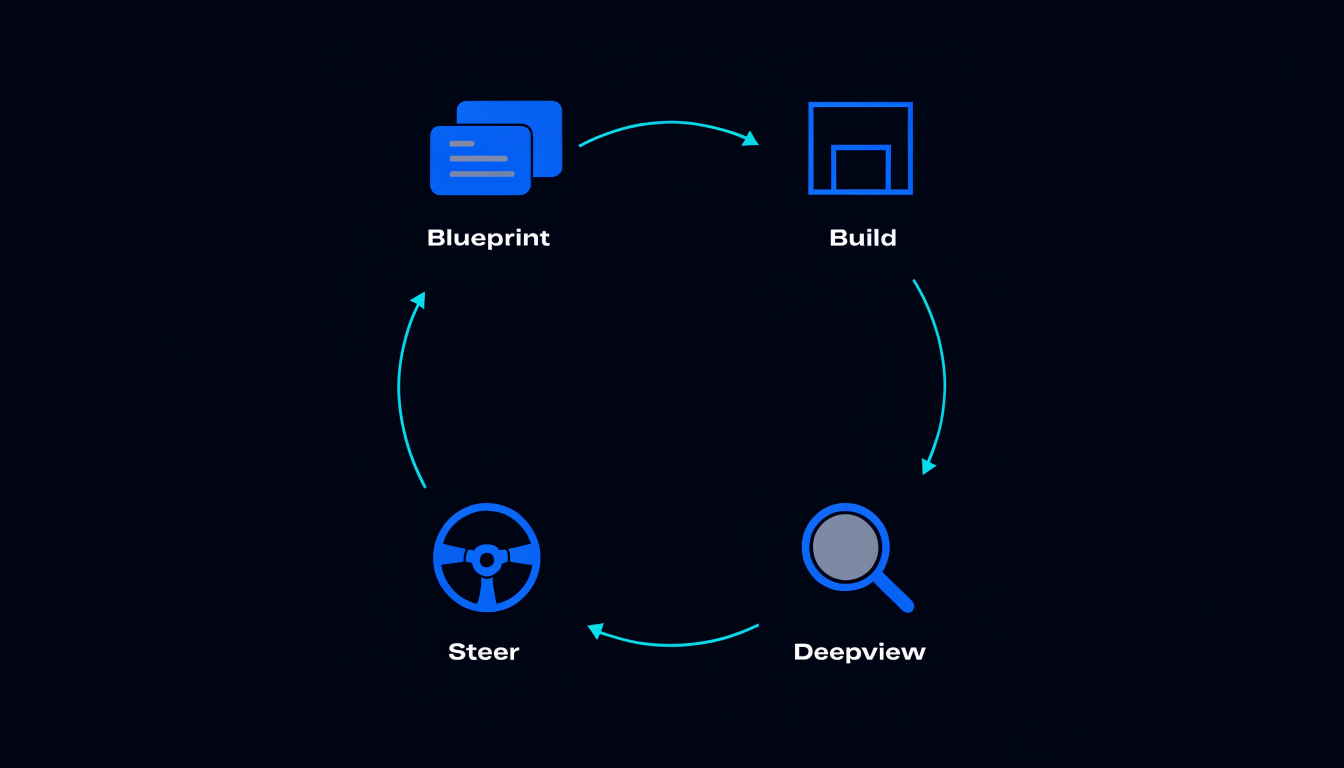
Most software projects start with a conversation. Someone describes the system they want to build. Someone else writes it down. A prompt goes into Claude or Cursor and the building begins. Three sessions later, the thing being built bears a partial resemblance to what was described, and re-explaining the original intent takes longer than any single coding session.
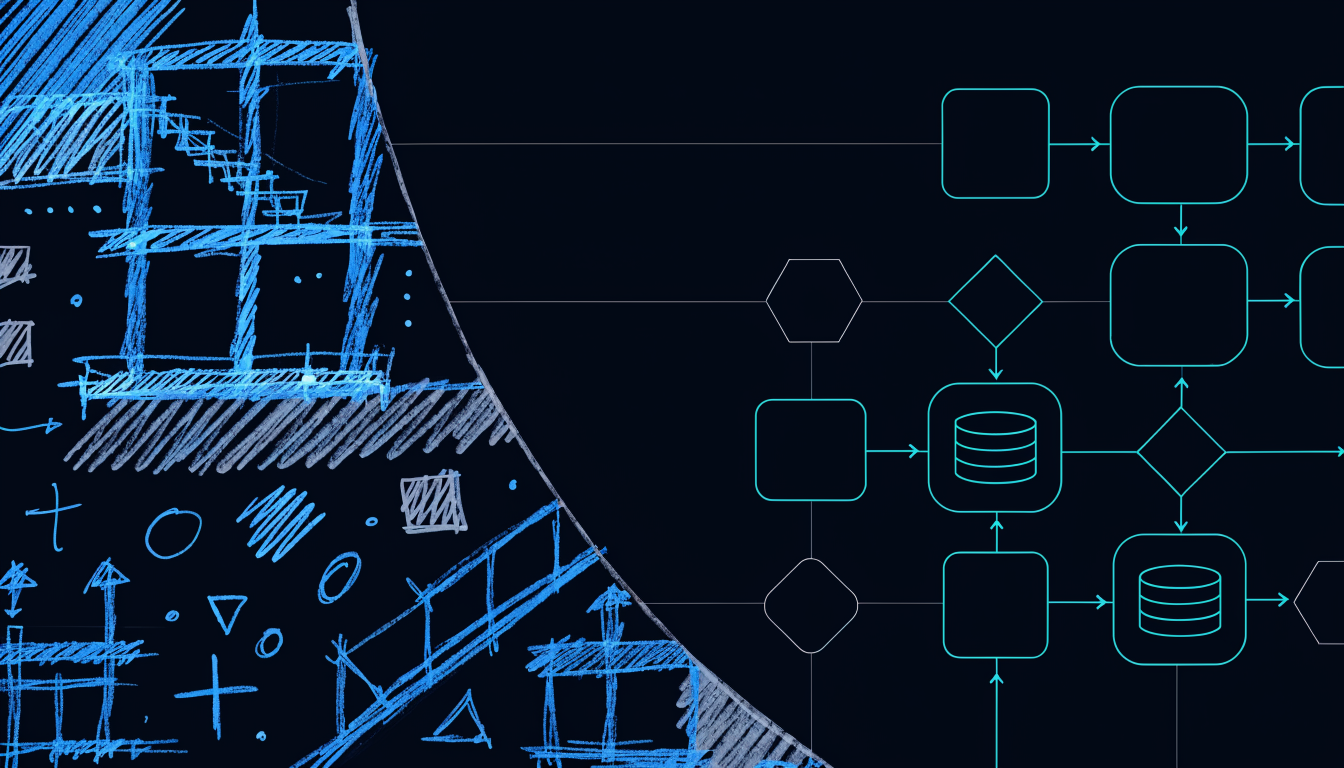
Blueprint-first inverts this. You draw the system before anyone writes a line of code. The drawing is the source of truth. The AI reads the drawing.
What a blueprint is
A Spiderbrain blueprint is an infinite canvas where you draw the system you mean to build: services, databases, queues, APIs, event buses, external integrations. Each shape is tagged with what it is, not freeform labels, but structured type tags that the AI can parse. Arrows between shapes encode the relationships: this service reads from that database, this queue feeds this consumer.
The blueprint does not replace code. It is not an architecture diagram that gets filed and forgotten. It is a live artifact that your AI reads and builds from.
The Share with AI button
When the blueprint is ready, you click Share with AI. This exports the canvas as a structured description, not a screenshot, but a parseable representation of the system, and makes it available to any connected MCP client: Claude, Cursor, Claude Code, or any client that speaks MCP.
Your AI then has access to the blueprint as a first-class context object. It knows what you intended to build, how the pieces relate, and what each component is. The building sessions begin from the blueprint, not from a blank slate.
The Share is explicit. Your AI reads the blueprint only after you click. You hold the pen until you are ready to hand it over.
What blueprint-first solves
The re-explanation loop: every new AI session starts ignorant of prior context. Blueprint-first gives every session a structural starting point. The AI does not need you to re-explain the architecture, it reads it from the blueprint.
The drift problem: as the build progresses, the AI’s changes land beside your blueprint work, not over it. You can see where the implementation diverged from the plan and make explicit decisions about whether to update the blueprint or the code.
The greenfield cold-start: starting a project from a text prompt is cognitively harder than most engineers realise, you’re generating architecture and generating code simultaneously. A blueprint separates the concerns. Architectural thinking happens on the canvas; implementation thinking happens in the editor.
The reverse workflow: auto-blueprint from a repo
Blueprint-first is not only for greenfield projects. For an existing codebase, Spiderbrain can auto-generate the blueprint from the parsed graph. The real architecture, derived from actual import relationships, not from what the README says, draws itself into a legible diagram.
This is the fastest way to onboard to an unfamiliar codebase: point Spiderbrain at the repo, let it auto-draw the blueprint, and you have a visual starting point that reflects what actually exists, not what someone believed existed when they wrote the documentation.
What the AI reads
The MCP blueprint tools expose the canvas content as structured data: nodes with types and labels, edges with relationship types, and any annotations you’ve added. The AI can traverse this structure the same way it traverses the code graph, and it can combine both: "what components in the blueprint don’t have corresponding files in the codebase yet?"
That question, mapping the plan to the implementation, is the core of blueprint-first project management. The blueprint tells you what should exist. The code graph tells you what does exist. The delta is your build backlog.
Starting with a blank canvas
The lowest-friction entry: open a blank Spiderbrain project. No repo, no git, no existing codebase. Draw the system. Share with AI. Build. Add a repo link later as the codebase takes shape.
Blueprint-first is a workflow, not a gate. The canvas works before a single file exists.