MCP tools are the interface between your AI and everything Spiderbrain knows about your project. When you connect any MCP client, 23 tools become available. Knowing which ones to use, and when, is the practical skill that turns "MCP is connected" into "my AI is genuinely more capable."
The codebase tools (17)
These tools give your AI access to the structural graph: the computed relationships between files, the scoring of nodes by importance, and the structural insights derived from the graph.
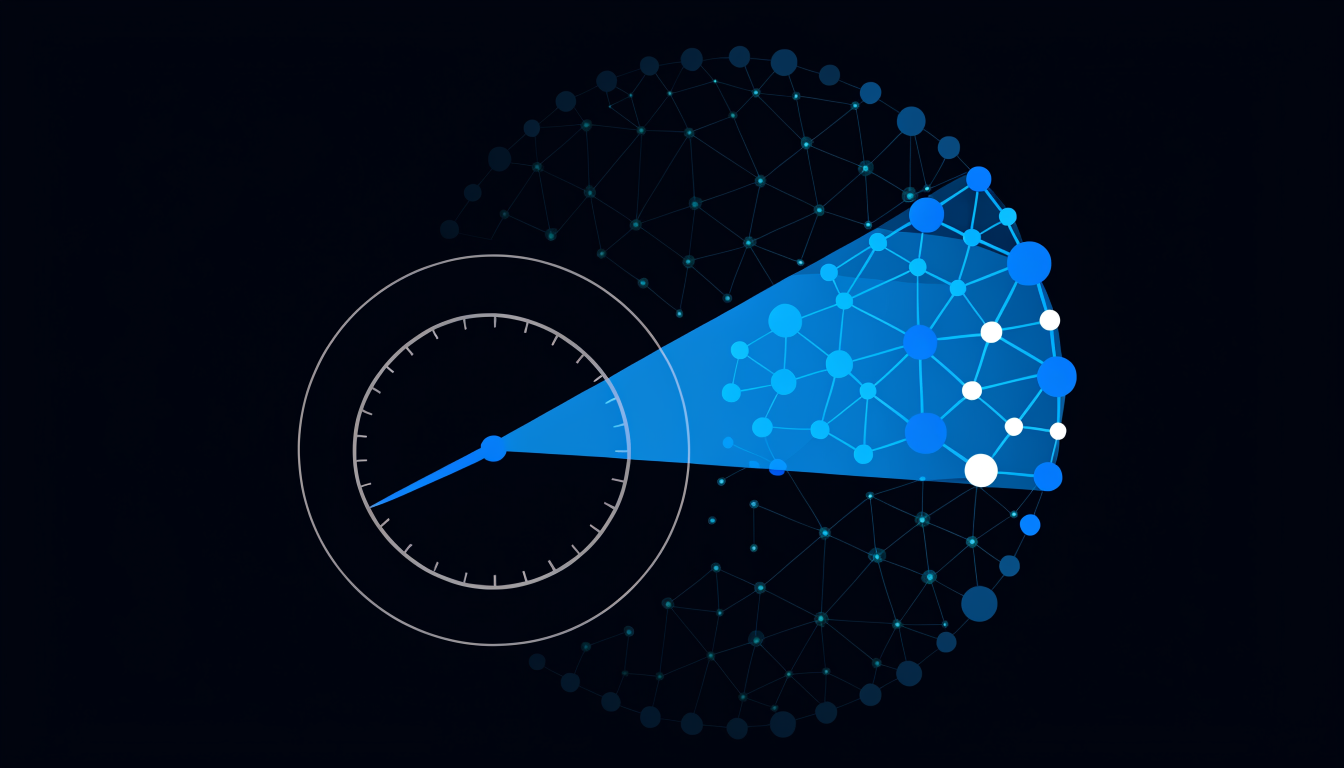
Blast radius and reach
spiderbrain_blast_radius(node), computes the transitive reachable set from a node. Returns the count and the top downstream files by spikescore.spiderbrain_callers(node), returns the files that directly import a given node.spiderbrain_transitive_callers(node, depth), returns callers up to a specified graph depth.
Scoring and ranking
spiderbrain_top_spikescore(n), returns the top-N nodes by spikescore. The keystone list.spiderbrain_node_score(node), returns all three scores (webscore, spikescore, blindspot) for a given node.spiderbrain_top_blindspot(n), the top-N nodes by blindspot score. The invisible high-reach files.
Community and structure
spiderbrain_community_of(node), returns the community ID and all members for a given node.spiderbrain_communities(), lists all communities with their anchor nodes and member counts.spiderbrain_boundary_edges(), returns all edges that cross community boundaries. These are the cross-team dependencies.spiderbrain_path(source, target), the shortest structural path between two nodes.
Insights and summaries
spiderbrain_insights(area), returns the scored insights for a module or directory in plain English, each with evidence and a concrete next step.spiderbrain_score_summary(), a top-level structural summary: community count, keystone list, highest-blindspot files, drift flags.spiderbrain_compare(commit_a, commit_b), structural diff between two brains (commits). Returns the drift vector.
Node navigation
spiderbrain_node(path), returns the full node record: all three scores, community, callers, importees.spiderbrain_search(query), semantic search over node names and descriptions.spiderbrain_neighbors(node, depth), the structural neighbourhood of a node at a given depth.spiderbrain_imports(node), the direct import list for a node.
The memory tools (9)
These tools give your AI access to the Memory Tree: the project’s accumulated decisions, constraints, and patterns.
Recall and scoping
spiderbrain_memory_recall(files), returns the scoped memory brief for a list of files. The primary tool for session start.spiderbrain_memory_all(), returns the full Memory Tree. Use sparingly, prefer scoped recall.spiderbrain_memory_search(query), semantic search over memory content.
Writing and steering
spiderbrain_memory_add(content, scope), adds a new memory node. Your AI can propose memories; you ratify them.spiderbrain_memory_comment(id, comment), leaves a comment on a memory node (the comment-to-change trigger).spiderbrain_memory_resolve(id), marks a comment as resolved after applying the update.spiderbrain_memory_forget(id), permanently deletes a memory. Irreversible.
Browsing
spiderbrain_memory_by_scope(scope), returns all memories anchored to a specific scope.spiderbrain_memory_recent(n), returns the N most recently modified memory nodes.
The blueprint tools (2)
spiderbrain_blueprint_read(), returns the current blueprint state as structured data: nodes with types and labels, edges with directionality and types, annotations.spiderbrain_blueprint_draw(contribution), proposes an AI drawing contribution to the canvas. Lands beside existing work, never over it. Requires user acceptance.
Which tools to reach for first
For a new project: start with spiderbrain_score_summary() to get the structural overview, then spiderbrain_top_spikescore(10) to identify the keystones.
Before modifying a file: spiderbrain_node(path) + spiderbrain_blast_radius(path), know the structural position and reach before touching it.
At session start: spiderbrain_memory_recall(files), get the scoped brief for the files you’re about to work on.
Before a refactor: spiderbrain_communities() + spiderbrain_boundary_edges(), understand the community landscape and where the cross-team dependencies live.
For onboarding: spiderbrain_blueprint_read() + spiderbrain_insights(area), the architectural picture and the plain-English summary of each area’s structural health.