The first hour with an unfamiliar codebase is expensive. You read the README, which describes the architecture someone intended three years ago. You open the folder tree, which tells you the organisation someone chose at the beginning, before the codebase outgrew it. You try to trace a request path manually, losing the thread when it crosses a module boundary for the third time.
Spiderbrain’s auto-blueprint replaces that hour with five minutes.
How auto-blueprint works
When you point Spiderbrain at a repo (local folder, GitHub, or GitLab), the Rust parser reads the actual import graph, not the README, not the documentation, but the import statements in the code. The graph is then processed:
- Leiden community detection finds the actual structural clusters
- Spikescore ranks the keystones in each cluster
- The graph layout algorithm places clusters spatially based on their coupling
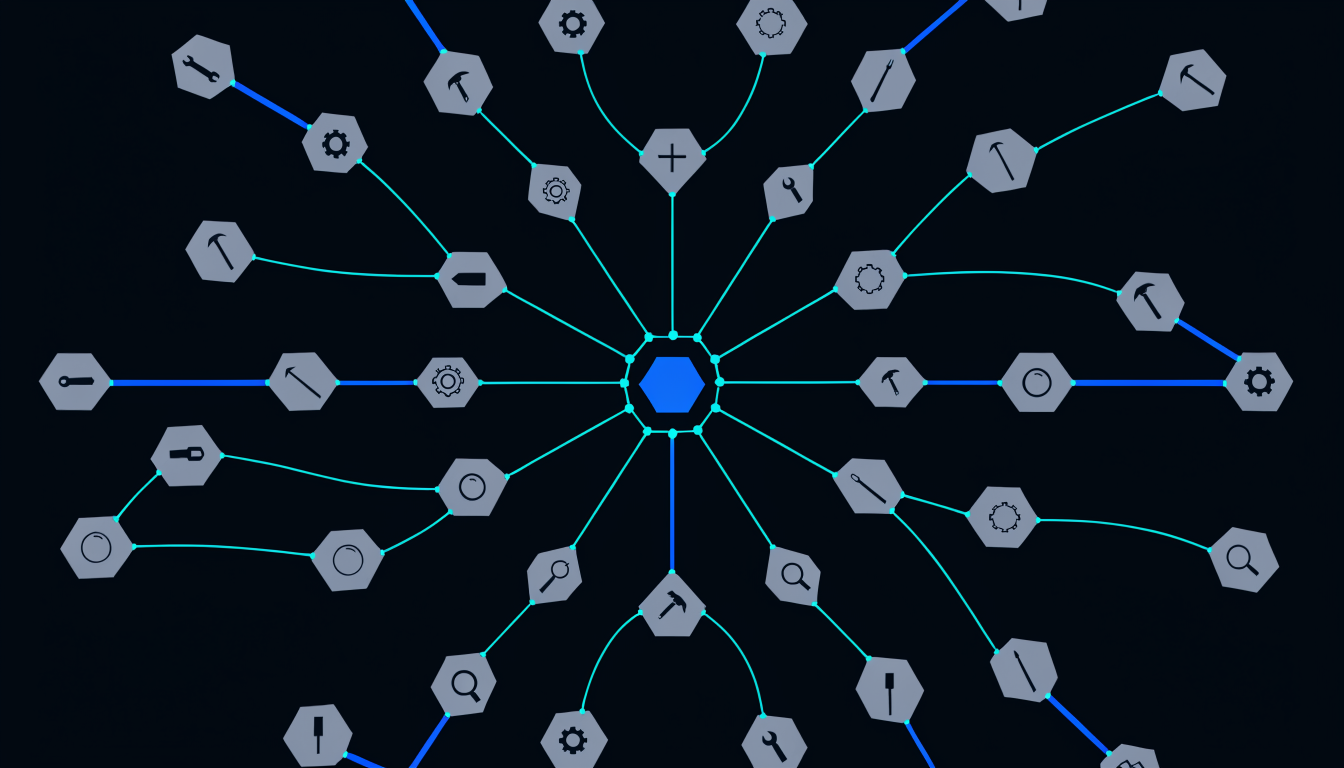
The output is a blueprint canvas where each cluster is a group, the most significant files in each cluster are named nodes, and inter-cluster edges are drawn as connections between groups.
This blueprint reflects the code that actually exists, not the architecture that was intended or documented.
What the auto-blueprint reveals
The documented architecture vs the real one: most codebases have a gap between the architecture diagram in the docs and the architecture in the code. The auto-blueprint shows the real one. The gap, when visible, is often where maintenance pain is concentrated.
Unintended community formation: community detection finds structural clusters that were never designed, groups of files that became tightly coupled through organic growth. These are often the first targets for architectural review.
The actual entry points: high-centrality files that have no significant incoming dependencies are likely entry points, request handlers, CLI commands, scheduled jobs. They show up clearly in the auto-blueprint without requiring manual identification.
Community boundary violations: files in one community folder that import heavily from another community’s internals. These are cross-boundary dependencies that the folder structure implies should not exist. The blueprint makes them visible.
The first 5 minutes workflow
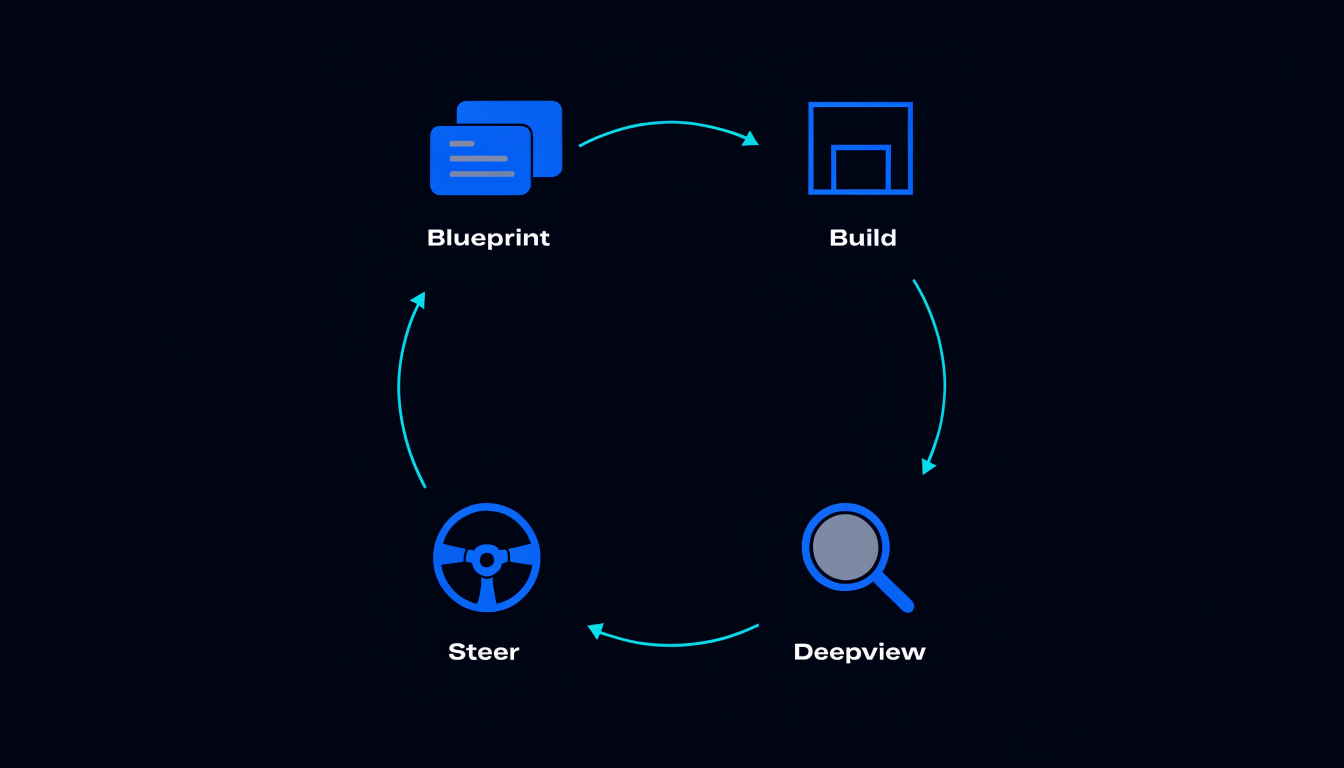
- Open Spiderbrain, add a new project, point it at the repo (local path, git URL, or GitHub/GitLab import)
- Auto-draw, Spiderbrain parses the graph and generates the initial blueprint (typically 30, 90 seconds for a 50k LOC repo)
- Read the clusters, how many communities? What do they correspond to? Is the clustering as you expected from the folder names?
- Find the keystones, the top-ranked spikescore nodes appear highlighted. These are the files worth understanding first.
- Start the structural conversation with your AI, share the blueprint, ask "what is the largest community and what does it own?", the AI now has the architectural context to give you a grounded answer
Onboarding a team member with auto-blueprint
The auto-blueprint is a better onboarding document than any written architecture overview, for one reason: it cannot be stale. Every time you generate it, it reflects the current state of the code.
A written architecture document reflects the code at the moment someone sat down to write it. The auto-blueprint is generated at the moment you need it. For a codebase that is actively developed, the difference between those two moments is architecturally significant.
New team members who start their first week with an auto-blueprint tour, led by a senior engineer who can name the communities and explain the boundary decisions, develop structural intuitions faster than those who start with folder-tree navigation and README reading.
The living blueprint
After the auto-blueprint is generated, it is editable. You can rename communities, add annotations, draw explicit boundary lines, and annotate the edges with team-ownership information. The auto-generated canvas is the starting point; the annotated canvas is the living documentation.
And because you can regenerate it at any time, the annotations you add can be overlaid onto a fresh auto-blueprint after a significant refactor, showing you which annotations are still valid and which describe an architecture that no longer exists.