The MCP ecosystem is growing faster than any individual AI client. Claude, Cursor, Claude Code, Continue, and a dozen other clients all speak MCP now. But the promise of MCP, one server, any client, breaks down when every server requires a local process, a different configuration, or client-specific setup.
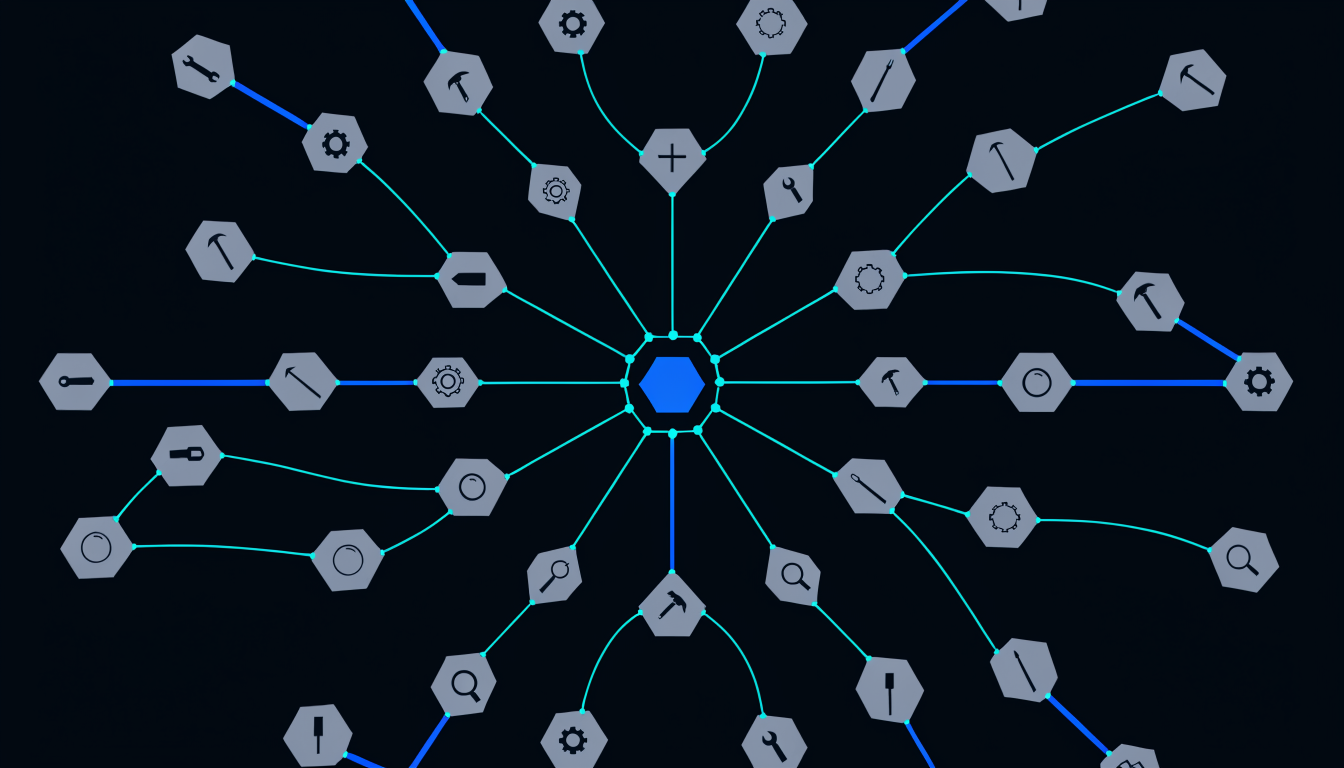
Spiderbrain’s hosted MCP endpoint is a single URL. Connect once. Every client that speaks MCP gets access to all 23 tools. No local process. No per-client configuration.
What hosted MCP means
A local MCP server requires running a process on your machine alongside your editor. If you switch machines, you re-run the process. If you switch clients, you re-register the server. If the process crashes, the tools disappear.
Spiderbrain’s MCP endpoint runs on Cloudflare’s edge network. It is always available, from any machine, to any client. Your MCP configuration points at the Spiderbrain URL, authenticated by your account token. That’s the entire setup.
The brain your AI accesses is the one you’ve built for your current project. When you switch projects, your AI switches context, the tools return data from the new project’s brain.
The 23 tools, in three groups
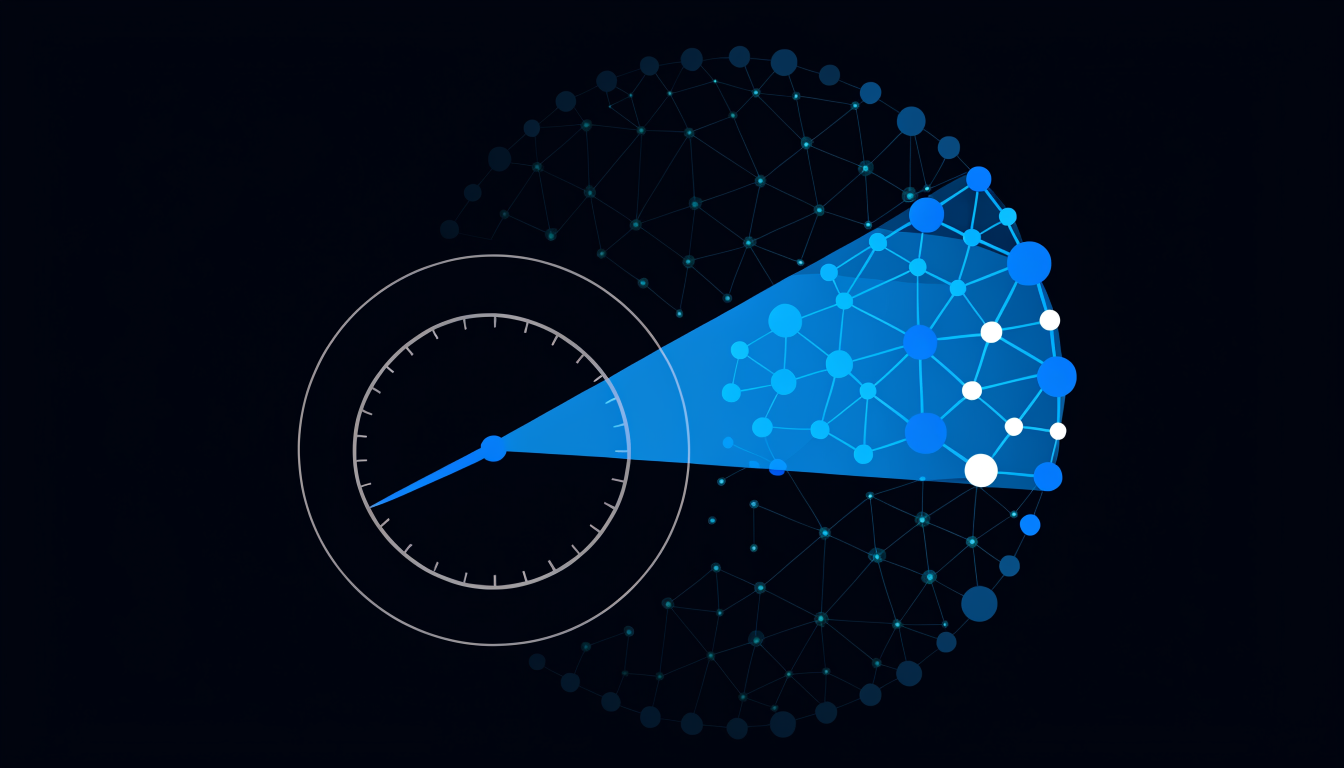
17 codebase tools give your AI access to the structural graph: blast-radius queries, spikescore rankings, community membership, keystone identification, blindspot scoring, insight summaries, and direct node queries. These tools let your AI ask "what is the structural risk of modifying this file?" and get a deterministic, computed answer.
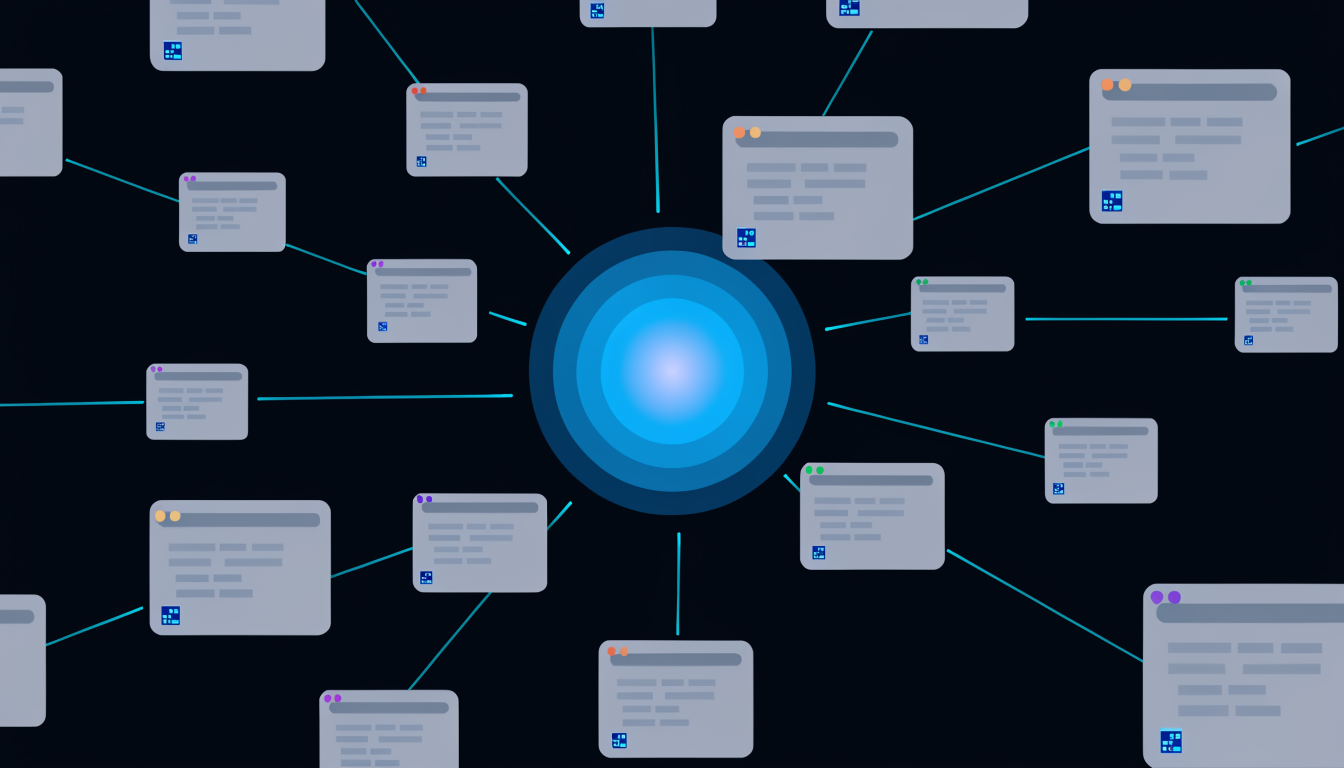
9 memory tools give your AI access to the Memory Tree: recall scoped to the current file set, memory addition, comment resolution, forget (permanent deletion), and memory browsing. These tools let your AI work from the project’s accumulated decisions without re-explanation.
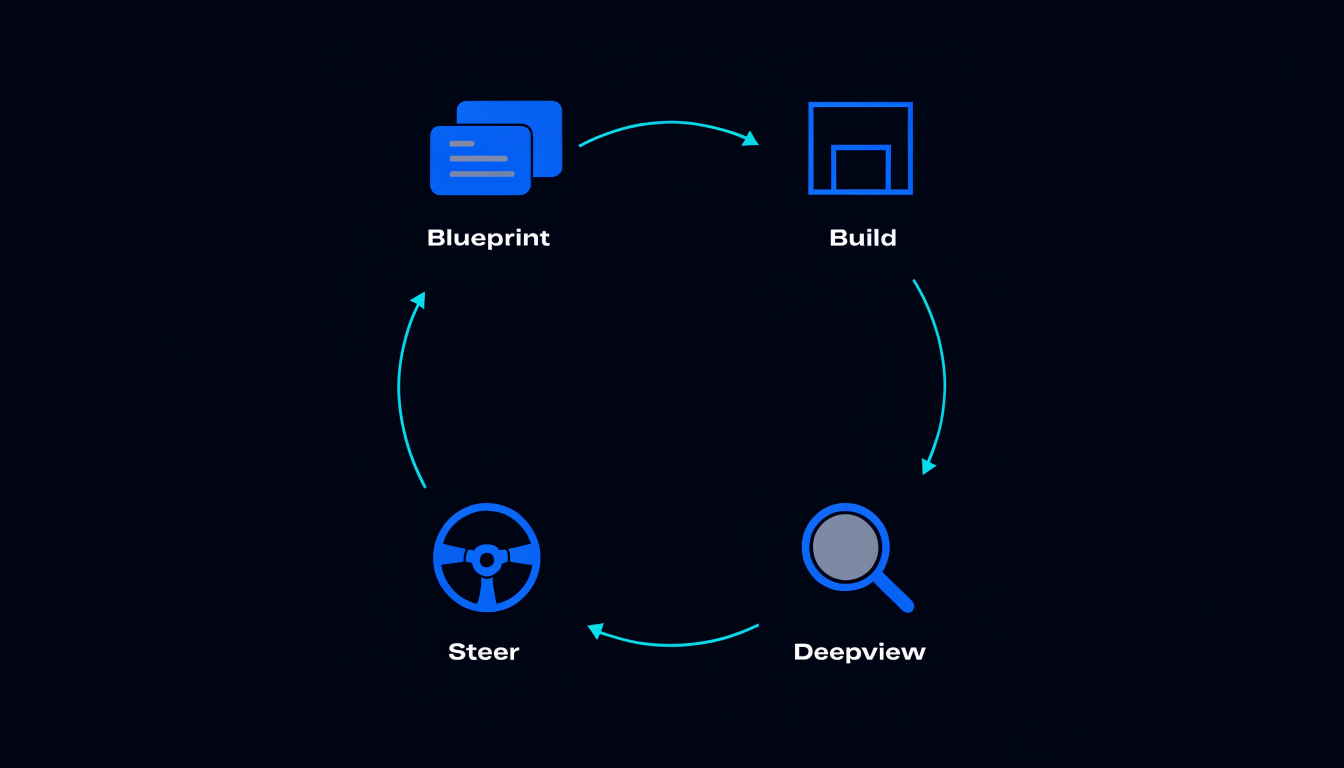
2 blueprint tools give your AI access to the canvas: reading the current blueprint state, and writing AI drawing contributions (which land beside your work, never over it). These tools let your AI build from the plan.
Client compatibility
The hosted endpoint speaks standard MCP. Any client that supports MCP can connect. The current primary clients are Claude (claude.ai and the desktop app), Cursor (via the MCP settings), Claude Code (via claude mcp add), and Continue (via the config file).
The configuration is the same for all clients: the endpoint URL and your auth token. The tools surface identically regardless of which client is asking. Spiderbrain does not distinguish between clients, the intelligence is in the server, not in the client configuration.
No vendor lock-in
A common concern with AI tooling: what happens when a client changes its API, gets acquired, or loses favour? With a locally-configured server, you’re reconfiguring for every client change. With a hosted endpoint, you’re not, the endpoint is the stable layer.
Switching from Cursor to Claude Code? Update the client; the endpoint stays the same. Adding a second client for a different workflow? Add the same URL to the second client’s MCP config. The Spiderbrain layer is client-agnostic by design.
What this changes for team workflows
For a team using multiple AI clients, one engineer on Cursor, another on Claude Code, a third using the Claude desktop app, a hosted MCP endpoint means everyone is working from the same brain. The blast-radius answers are the same. The Memory Tree is shared. The blueprint is shared.
There is no "which AI client do you use?" divergence in the tools your AI has access to. The team’s structural intelligence is centralised in the brain; the client is a personal preference.
Security model
The hosted endpoint is authenticated by your Supabase session token. Your brain is not accessible to anyone who does not have your credentials. The data served by the tools is derived from the source-free graph, structural scores and relationships, never file content.
The connection is to Spiderbrain’s edge workers. Your source code is never transmitted over MCP. The tools query the pre-built graph; the graph was built from your source locally and uploaded as a source-free artifact.