The usual way to change your AI agent’s direction is to start a new conversation. You re-explain the context, describe what changed, and ask it to do something different. This works. It also takes 10 minutes of re-explanation every time a decision changes.
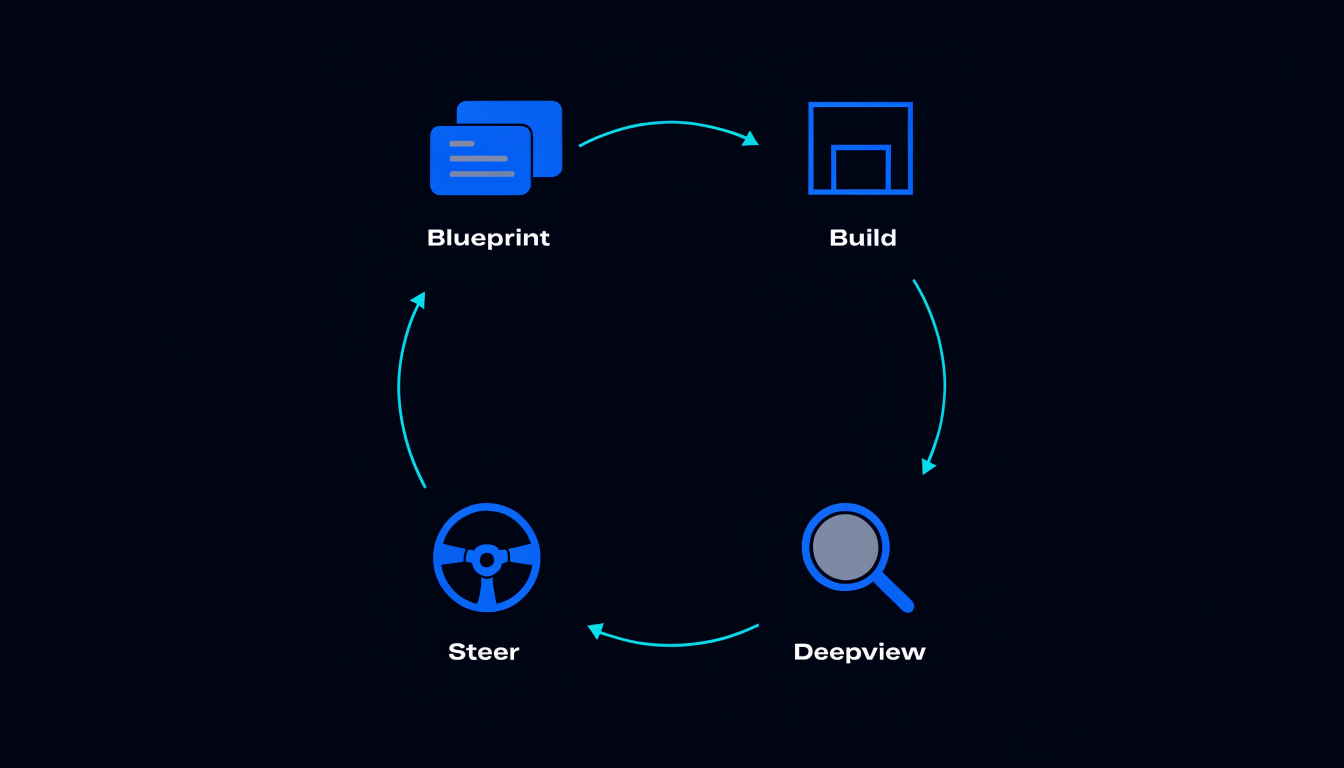
Spiderbrain’s comment-to-change mechanism is the alternative: annotate the memory directly, and your AI picks up the change in the next session without re-explanation.
What the Memory Tree stores
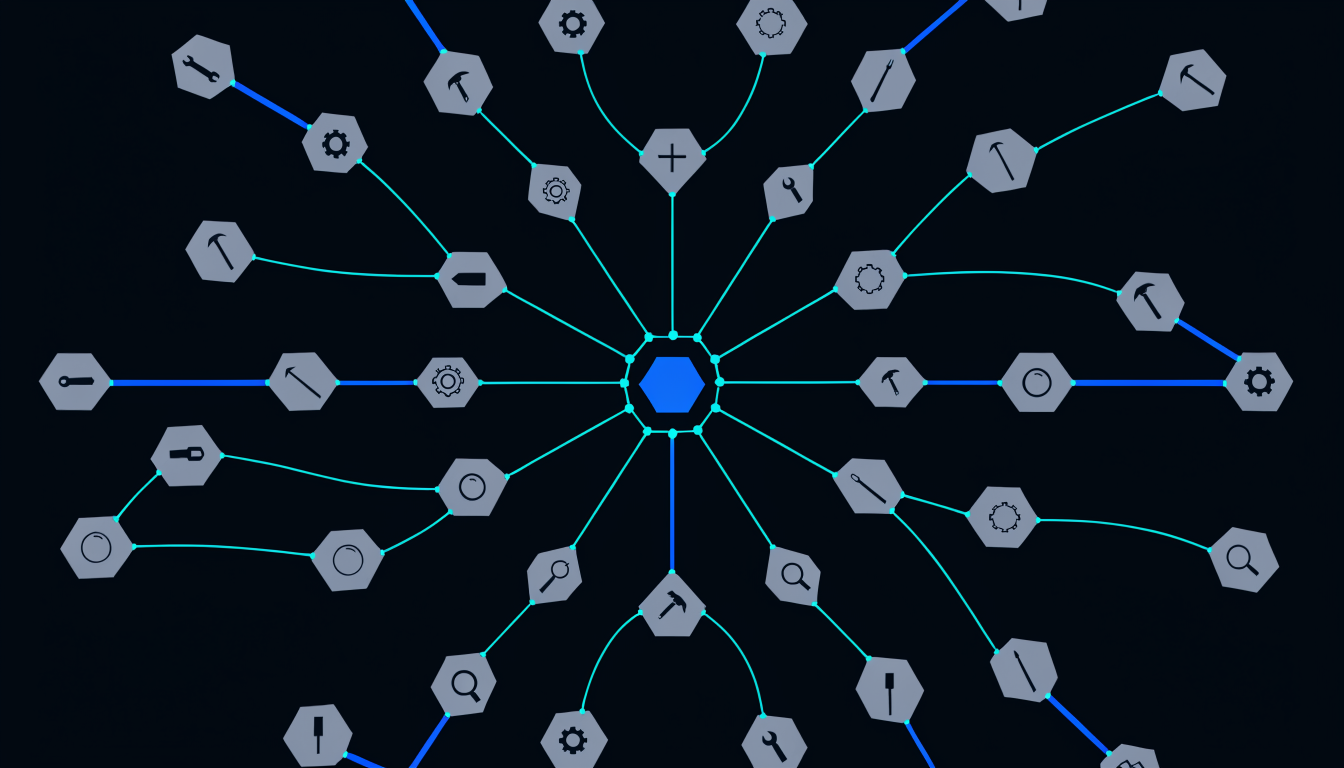
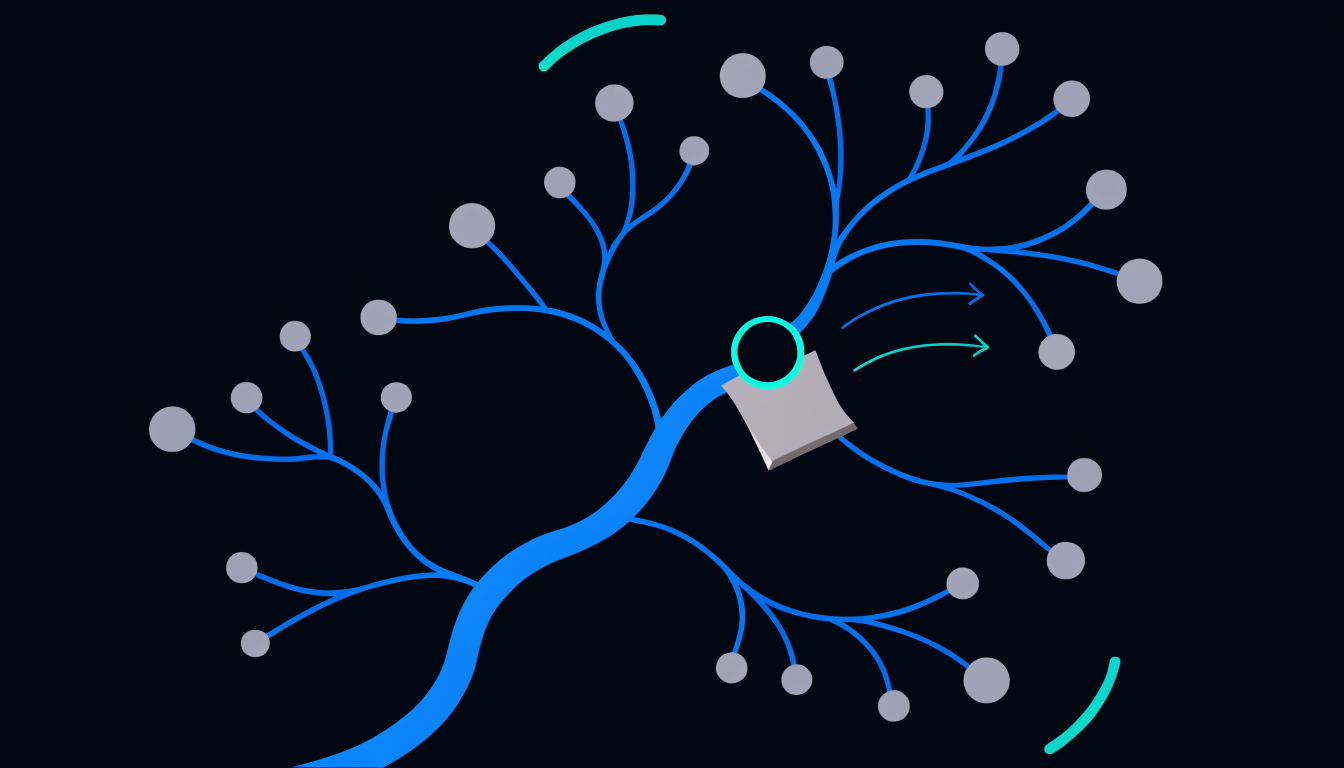
The Memory Tree is a hierarchical record of your project’s decisions, constraints, patterns, and preferences. Each node in the tree is a memory item, a fact about the project that your AI needs to know to work effectively on it.
Examples:
- "The auth module uses JWT with RS256. Never SHA256."
- "The API response envelope uses
dataanderrorfields. No other top-level keys." - "The background job queue is Redis FIFO. Priority queuing is not supported."
- "All database writes must go through the repository layer. Direct ORM calls from controllers are not allowed."
These are not instructions in a prompt. They are persistent, structured facts that your AI recalls over MCP in every session.
How comment-to-change works
When a decision changes, or when you want to refine how a memory is expressed, you leave a comment on the memory node. The comment might be: "Update this: we’re migrating to JWKS endpoint, not a static public key."
On the next AI session, your connected client (Claude, Cursor, Claude Code, or any MCP client) reads the memory tree. When it encounters a memory with an unresolved comment, it:
- Reads the original memory
- Reads the comment
- Applies the update (modifying the memory node content)
- Marks the comment as resolved
The result: the memory now reads "The auth module uses JWT verified against the JWKS endpoint at /auth/.well-known/jwks." Your AI applied the change; you ratified it by leaving the comment.
Why this beats re-prompting
Re-prompting has a fundamental problem: the AI’s context starts empty. Every new session, you rebuild the context from scratch, which decisions were made, which constraints apply, which patterns the team follows. This reconstruction is error-prone and time-consuming, and it degrades as the project grows.
Comment-to-change keeps the authoritative record in the Memory Tree, not in a prompt. The AI’s starting context is always the current Memory Tree, complete, structured, and scoped to the files it is about to touch.
When a decision changes, updating the Memory Tree is cheaper than updating a prompt (because you update one node, not every future prompt), more reliable (because the update persists across sessions), and auditable (because the tree has a history).
You ratify memory. Nothing is stored without your intent.
A key design principle: the Memory Tree only stores what you explicitly remember. There is no automatic memory extraction from conversations. If your AI discovers something worth remembering, it proposes a memory, you confirm it.
Similarly, comment-to-change is your input. You write the comment; the AI applies the interpretation. You can review what the AI resolved before accepting it. You stay in control of the record.
This is not a minor UX detail. It is the architecture that makes the Memory Tree trustworthy. A memory that might have been automatically extracted from a misunderstanding is not a reliable fact for future sessions. A memory you explicitly stored is.
Scoped steering
The comment-to-change mechanism is not global. Memory nodes are anchored to specific files or module areas. When you leave a comment on a memory anchored to auth/, only sessions working in auth/ will see that comment resolved.
This scoping means your steering is targeted. You do not need to manage a global system prompt that applies to everything. The decisions about auth are in auth/'s memory; the decisions about the data layer are in the data layer’s memory. Each AI session gets only the decisions that are relevant to the files it is editing.