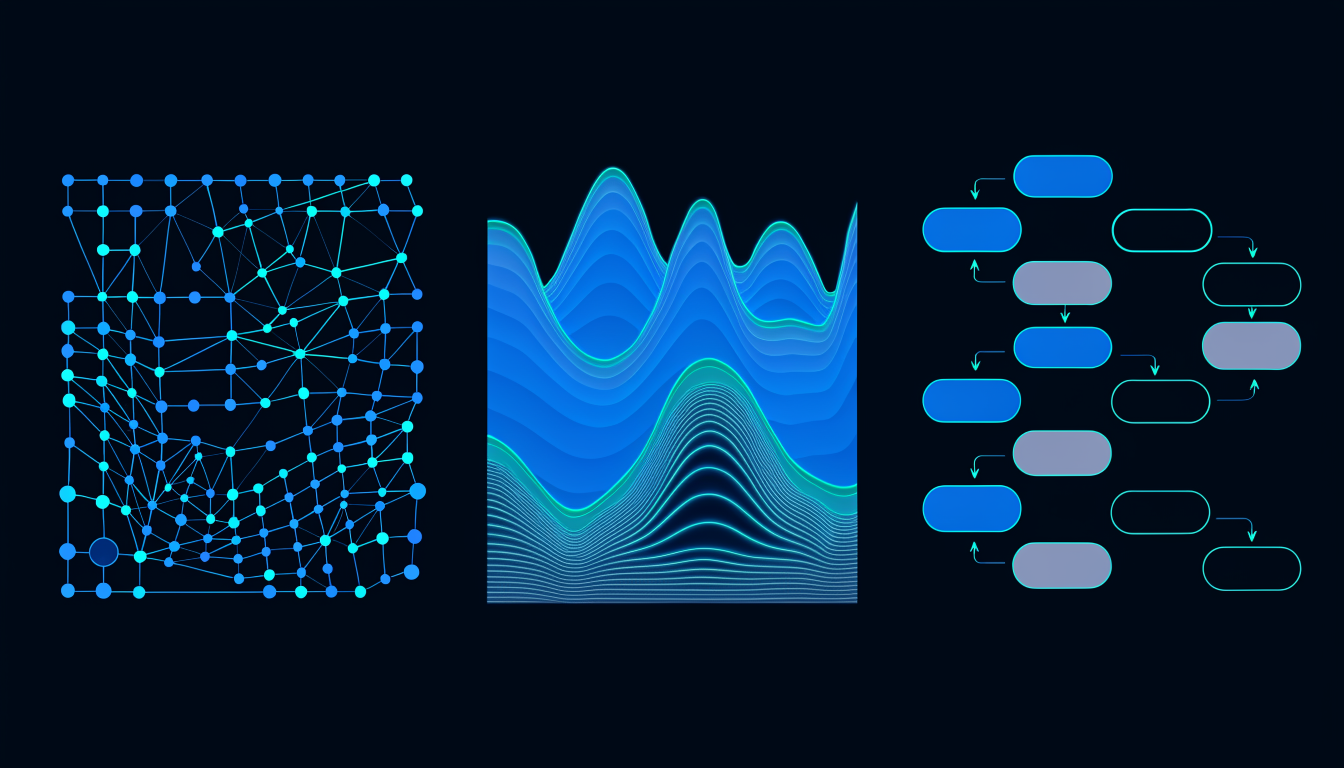
A map of your codebase is not a single thing. The right representation depends on the question you’re asking. A city looks different from a street-level view, a transit map, and a satellite image, not because any of them is wrong, but because each one surfaces different information for different purposes.
Deepview provides three views of the same underlying graph. Choosing the right one for the task at hand is a skill worth developing.
Web view: what depends on what
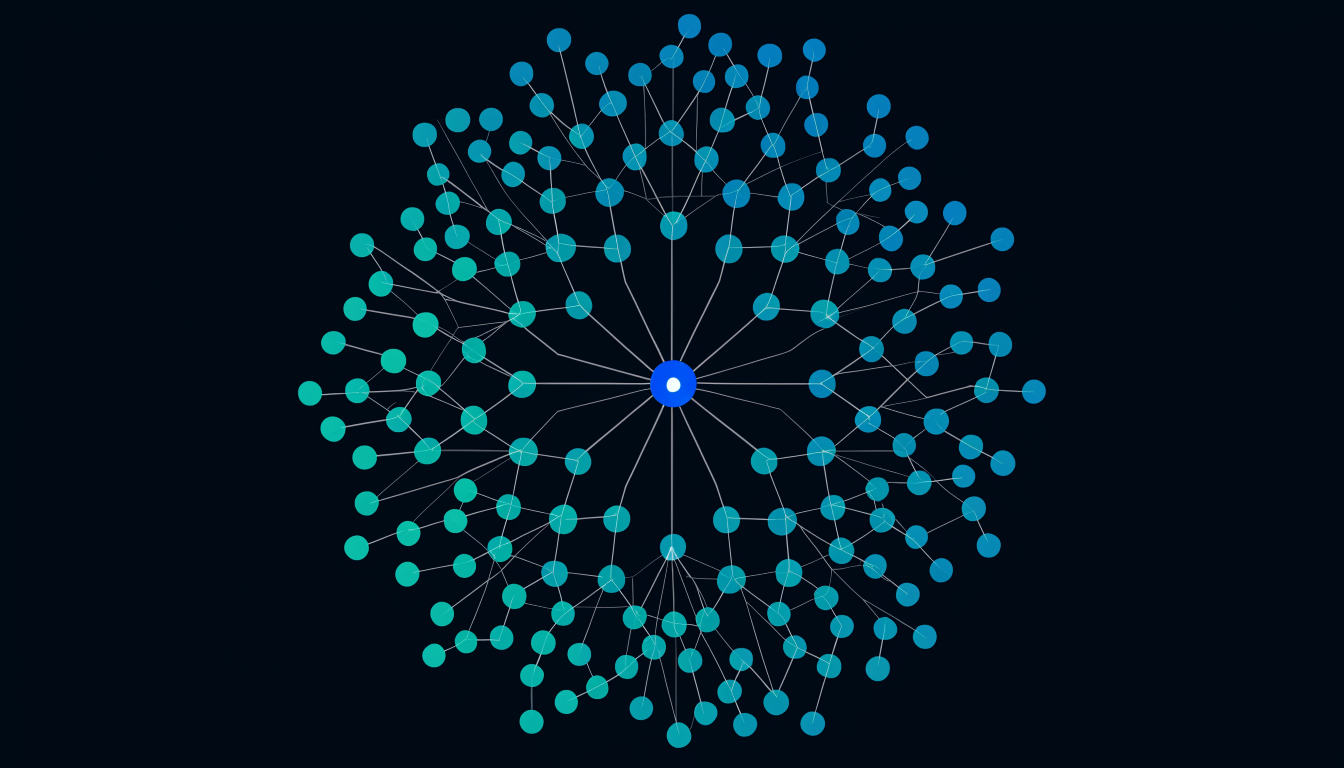
The Web view is the dependency graph rendered as a force-directed network. Nodes are files (or modules, depending on zoom level). Edges are import relationships. The visual weight of a node reflects its structural significance, scored nodes with high spikescore are visually prominent; blindspot files are highlighted.
Use Web view when you’re asking:
- Which nodes are most central to this part of the codebase?
- What is the blast radius of this specific file? (Select it, see its reachable subgraph.)
- Where are the community boundaries? (Community colouring makes clusters visible.)
- Which file bridges the most communities? (High betweenness centrality nodes stand out.)
The Web view rewards zooming in. It’s most useful for analysing a specific module or a specific change’s scope, not for getting the whole-project picture at once.
Map view: the whole project at a glance
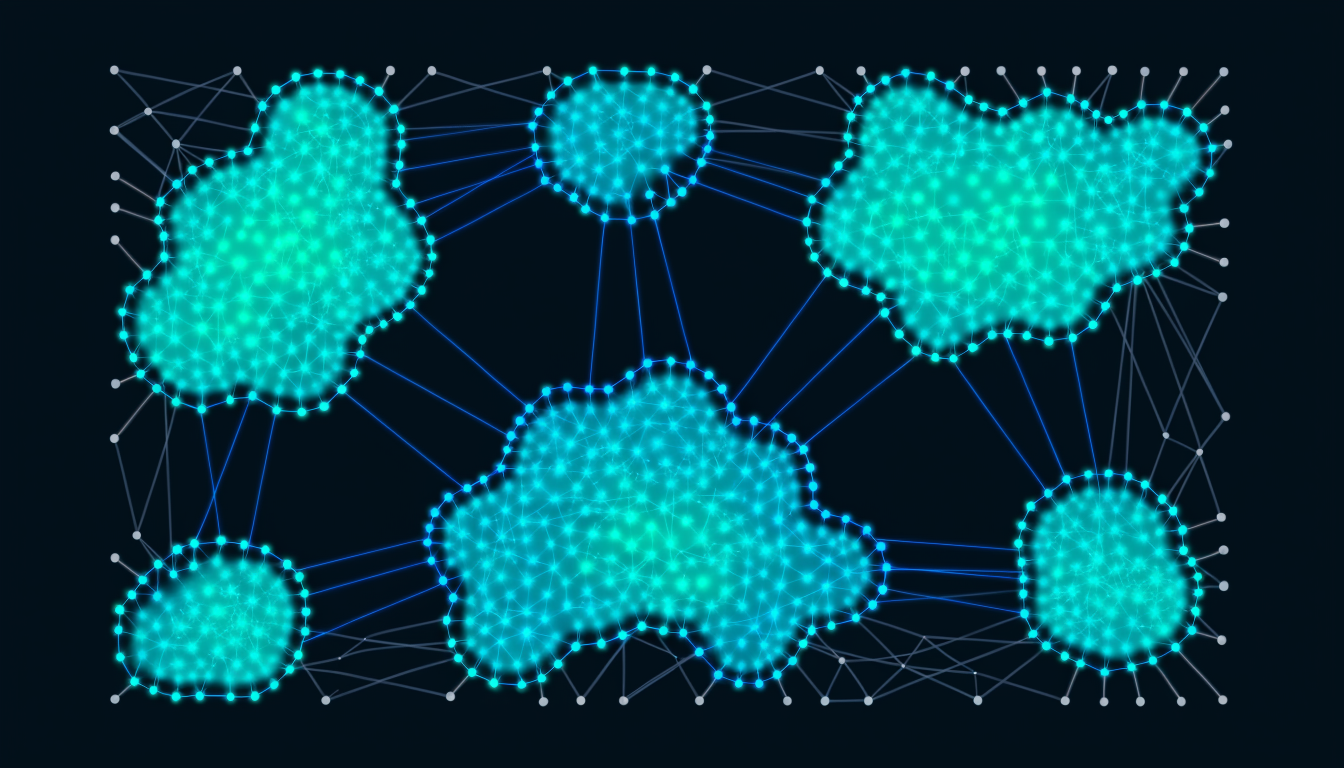
The Map view is a spatial layout of the entire codebase, organised by community membership and structural proximity. Modules that are tightly coupled cluster together. Modules that are loosely coupled appear at a distance. The layout is deterministic, the same codebase always produces the same map.
Use Map view when you’re asking:
- Where are the main structural clusters in this codebase?
- Which areas are isolated (few edges in or out) and which are highly connected?
- How has the architecture changed between commits? (Two maps, side by side.)
- Where are the structural anomalies, the nodes that appear far from where their folder name suggests they should be?
Map view is the right starting point for a new codebase. It gives you the architectural gestalt before you read a single file. The spatial intuition it builds is faster to acquire than reading the folder structure.
Flow view: architecture as a diagram
The Flow view organises the codebase into a layered architectural diagram, roughly top-to-bottom, from entry points and high-level abstractions at the top to low-level infrastructure at the bottom. Dependencies flow generally downward. Cross-layer edges are visible as the architectural violations they represent.
Use Flow view when you’re asking:
- What are the entry points and what do they depend on?
- Are there circular dependencies between layers?
- Does the data access layer correctly sit below the business logic layer?
- Which modules are violating the intended layering (importing up instead of down)?
Flow view is the natural view for architects and for onboarding conversations, it reads like a system diagram. It is less useful for blast-radius analysis but more useful for architectural health assessment.
Switching views mid-task
The real power is not in any single view but in switching between them as a question changes. A typical workflow:
- Open Map view, get the spatial overview, identify the cluster you’re working in
- Switch to Flow view, check whether the cluster sits in the right architectural layer
- Switch to Web view, zoom in on the specific file you’re about to modify, compute its blast radius, check whether any callers are blindspot-scored
This three-step routine takes under a minute and replaces the implicit architectural knowledge that senior engineers carry in their heads. It makes that knowledge accessible to anyone, including the AI agent about to touch the codebase.
View selection for AI context
When selecting files to put in your AI’s context window, the view you use changes what you find. Map view identifies the cluster your task belongs to. Web view identifies the specific blast-radius scope. Flow view identifies the architectural layer, which determines what imports are appropriate and which would be violations.
Used together, the three views build a structured context selection, not a random assortment of files, but a coherent architectural slice that gives the AI the information it needs without the noise it doesn’t.