"Find the authentication code." Simple enough request. But what does it actually mean?
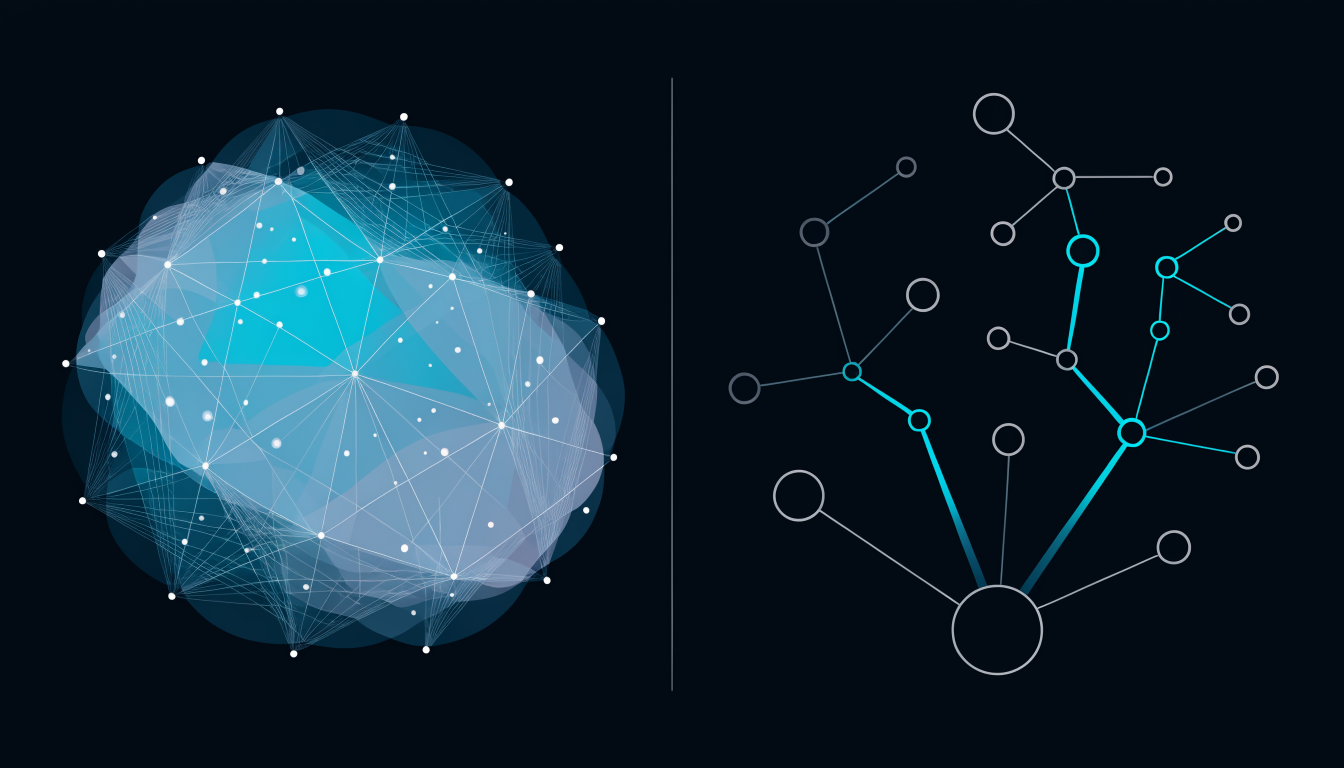
It might mean: find the files that implement JWT validation, password hashing, and session management, semantic search. Or it might mean: find the files that are structurally upstream of the auth middleware, whose changes would break the auth flow, structural search.
These are different questions. They have different answers. Tools that treat them as the same question give you bad results on at least one of them.
Semantic search: finding by meaning
Semantic code search uses natural language or code as a query and finds code that is conceptually similar. The underlying mechanism is typically vector embeddings: encode the query and all code into a shared embedding space, find the nearest neighbours.
Good at:
- "Where do we handle rate limiting?", finds the relevant code even if it’s named
throttleorlimiterorquota - "Find functions that parse JSON from a network response", finds implementations across stylistic variations
- "Show me all the code similar to this snippet", de-duplication, pattern detection
Bad at:
- "What does this function affect?", similarity doesn’t imply structural connection
- "What is the blast radius of this change?", no concept of graph edges
- "Which modules form the auth boundary?", topological structure is invisible to similarity
Structural search: finding by connection
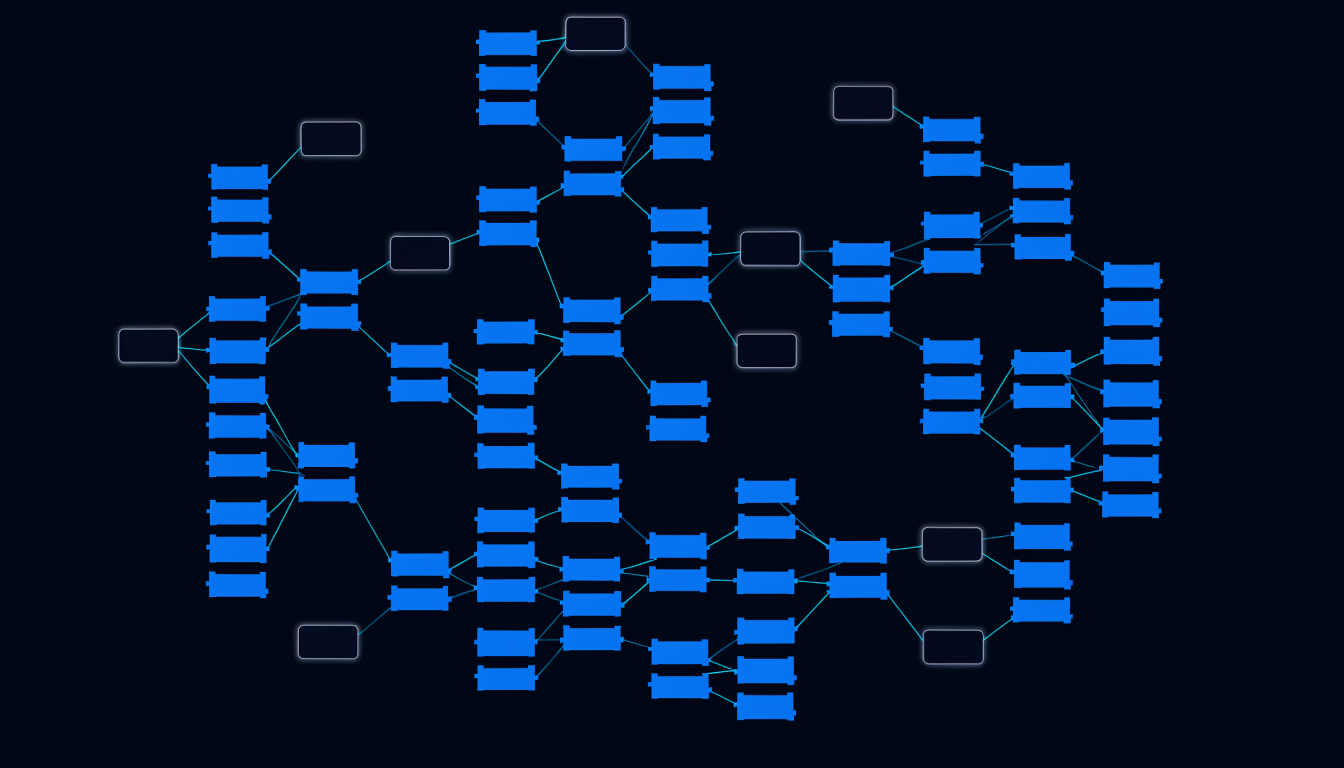
Structural code search traverses graph edges, import edges, call edges, community edges. It answers questions about topology.
Good at:
- "What imports this module?", reverse reachability
- "What does this endpoint touch?", forward reachability from the handler
- "Which files are in the same community as this one?", community membership
- "What’s the critical path through this service?", centrality-weighted traversal
Bad at:
- "Find code similar to this pattern", no concept of semantic similarity
- "Find all places we do X without knowing the name", no way to query by intent
The search type determines the tool
The practical consequence: if your engineers are mostly searching for unfamiliar functionality by intent ("where do we handle X?"), semantic search is the right tool. A vector index over your codebase, fed to an LLM, serves this use case well.
If your engineers are mostly doing structural reasoning ("what connects to X?", "what’s the scope of this change?"), semantic search doesn’t help. You need a graph.
Most teams need both, at different points in the workflow.
Spiderbrain’s two-search architecture
Spiderbrain implements both search types over the same graph:
Semantic layer: embedding-based similarity over node content. Find nodes by description, by code pattern, by natural language intent.
Structural layer: graph traversal for topological queries. Blast radius, transitive closure, community membership, centrality.
The combination, structural first, semantic to rank, is the most useful pattern for context selection: start with the graph neighbourhood of the target node, then rank those nodes by semantic relevance to the task.
When the conflation costs you
The conflation of semantic and structural search costs teams money in two ways:
-
Over-reliance on semantic search for structural questions: "the AI said this change was safe" but the AI was reasoning about semantic similarity, not graph topology. The change had a blast radius of 30 and broke things.
-
Over-reliance on structural search for discovery: "I searched the import graph for the auth code", but the auth code you wanted was in a module with a non-obvious name that your traversal didn’t reach.
Using the right search type for the right question is not a tool configuration problem. It is a mental model problem. Once your team knows the distinction, the queries get faster and the answers get better.