Most code tooling is reactive. You write code, you run tests, you find out what broke. The discovery of impact happens after the change, in CI, in a review, in production.
Spiderbrain’s live edit alert is predictive. Save a file and you immediately know which downstream files need re-checking, before you run tests, before you push, before you ask your AI to continue building.
What the alert actually shows
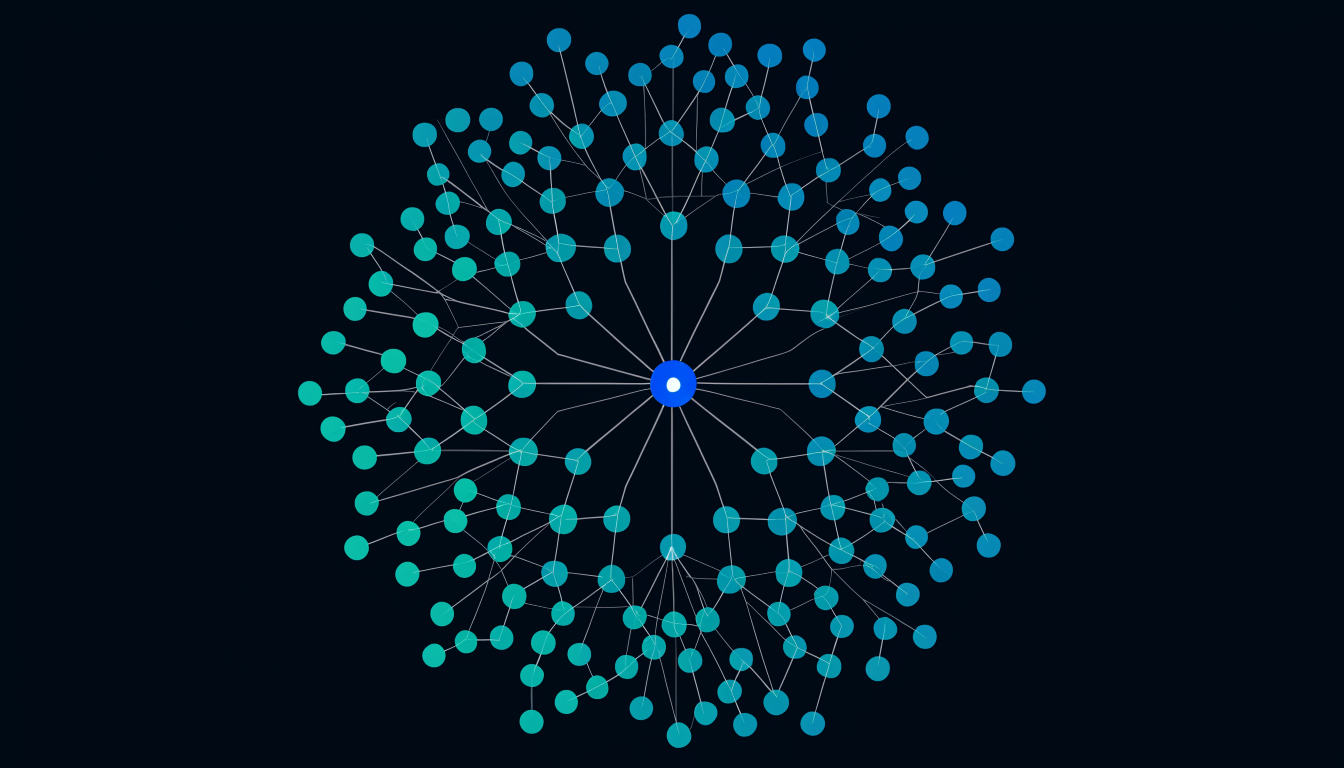
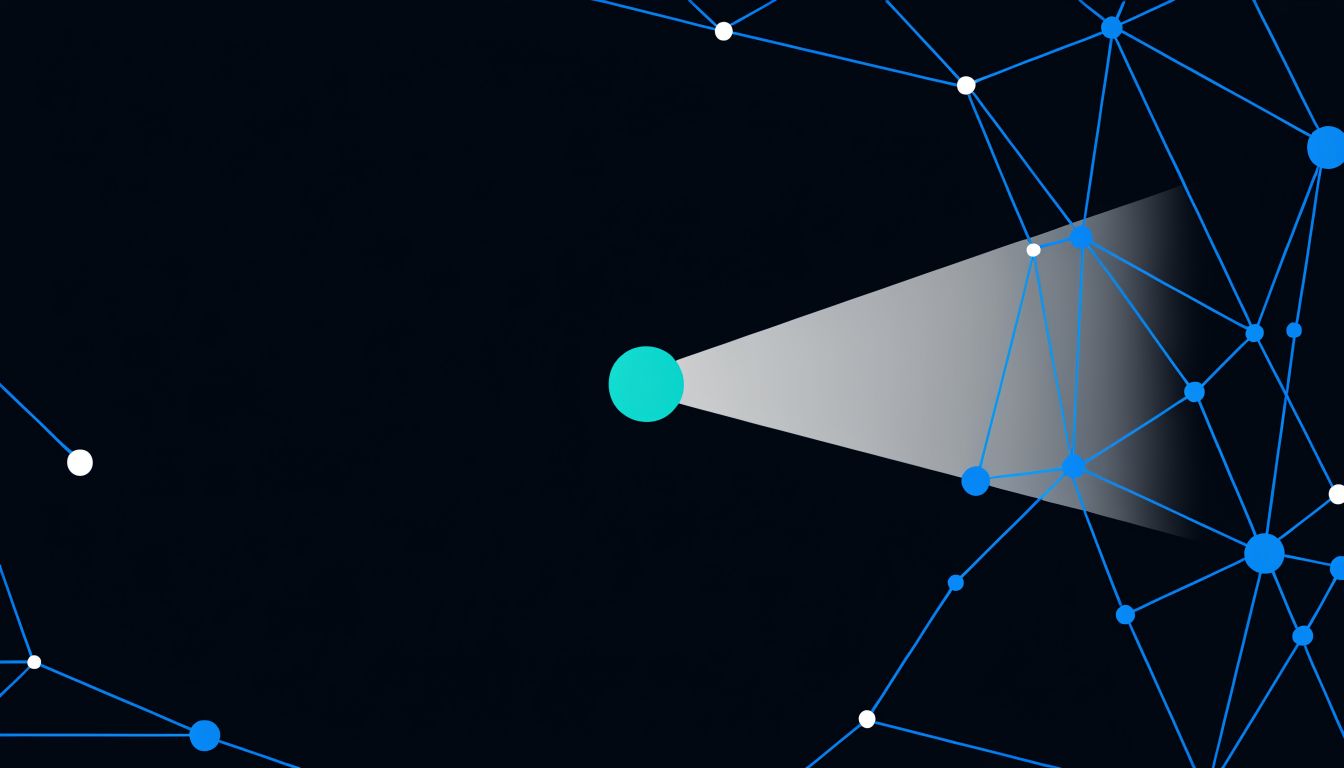
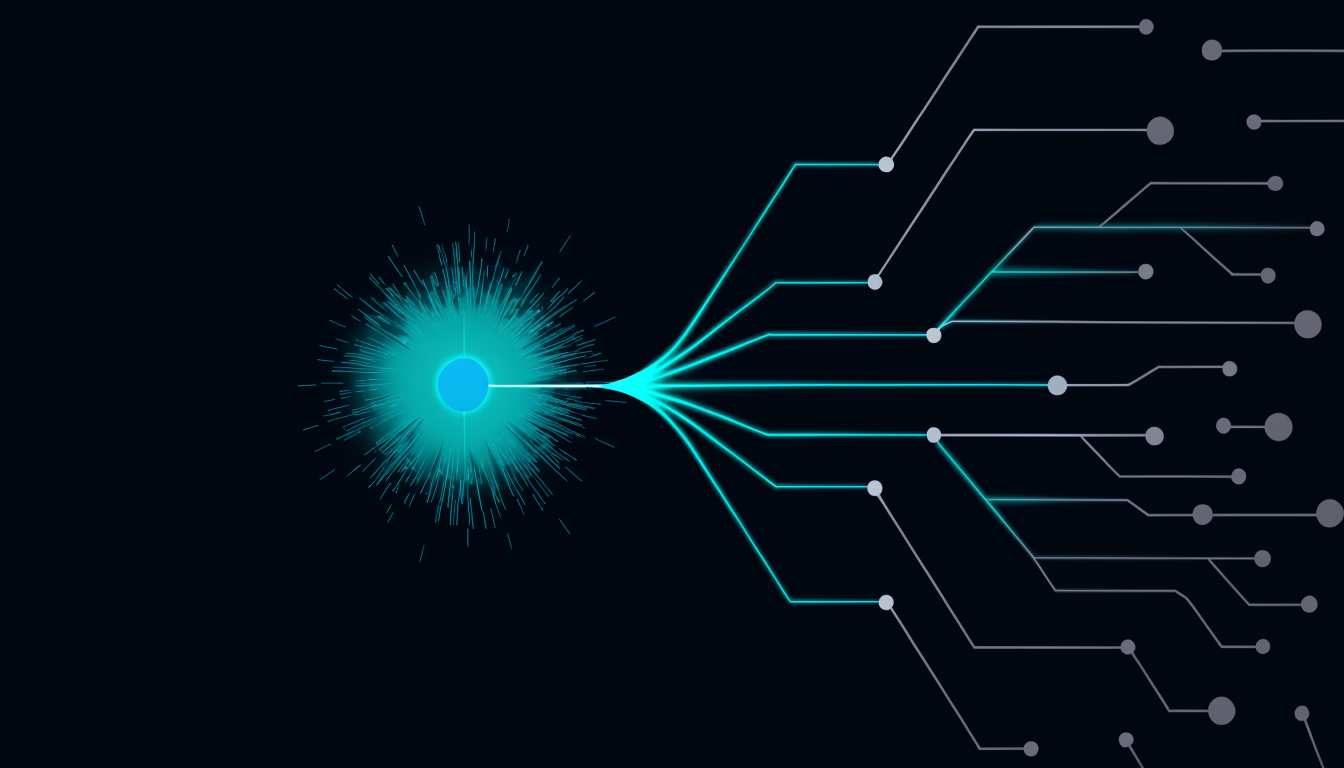
When you save a file, Deepview’s live file-watch triggers a graph traversal from the changed node outward. The result is not a list of all files that transitively import the changed file, that list is often very long and mostly irrelevant.
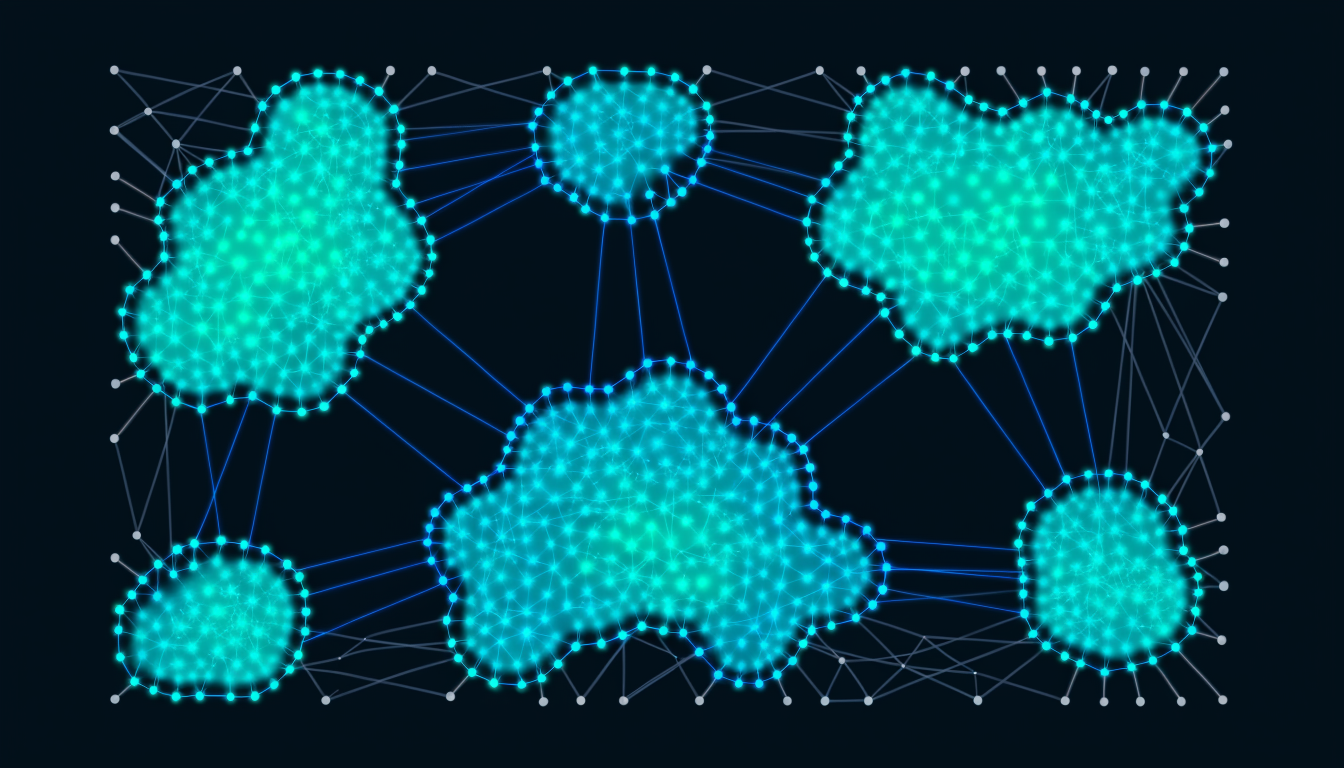
The alert filters to the files that are structurally significant in the blast radius: the callers with high webscore (community anchors), the files with low test coverage that sit in the reachable set, and any files whose community membership means a change here propagates across a community boundary.
This filtering is the difference between "here are 47 files that technically import this" and "here are the 6 files you actually need to look at."
Why this is different from a linter or type-checker
A linter checks syntax and style. A type-checker verifies that the types are consistent. Neither of them tells you about the structural blast radius of your change.
A type error is a correctness error, the code won’t compile. The live edit alert surfaces a different class of problem: a structurally significant change that is technically correct but could have upstream effects that aren’t visible from the changed file.
This is the gap between "the tests pass" and "the system is safe to deploy." Type-checkers close some of that gap. Structural blast-radius alerts close a different part of it, the part that shows up in post-mortems as "the change was correct but the caller had assumptions we didn’t check."
The workflow change
The alert changes the question engineers ask at the moment of saving from "is this right?" to "who else does this affect?"
That second question sounds simple. In practice, it’s the question that most engineers don’t have a fast way to answer. They could trace the imports manually, or run a grep for callers, or ask the AI, but all of these take time and break the development flow. The alert makes the answer instantaneous.
The practical effect: engineers who work with live alerts stop writing code in isolation. They develop an awareness of the structural scope of every change, not as a conscious calculation but as a background signal, like knowing how close your car is to the lane boundary without actively measuring.
Why the alert is the flagship demo
The live edit alert is the moment the product earns its keep in real time. Every other feature, the graph, the scoring, the memory tree, requires explanation. The alert demonstrates itself: save a file, see the downstream scope, recheck the flagged files, push with confidence.
It is the one feature that makes a sceptical senior engineer say "okay, that is actually useful", not because they didn’t know blast radius existed, but because they’ve never had a tool that surfaced it at the moment it was actionable.
Building a verification habit
Teams that adopt the alert as part of their save-push workflow develop a structural verification habit that significantly reduces the surprise-regression class of incident. The pattern:
- Make the change
- Save: read the alert
- Open the top-flagged downstream file: verify its callers still hold
- If any flagged file has no test coverage: add a test or add to the review checklist
- Push
Step 3 takes 30 seconds for most changes. It takes 5 minutes for the ones where something actually needed attention. The asymmetry, cheap for safe changes, exactly expensive enough for risky ones, is what makes it sustainable.