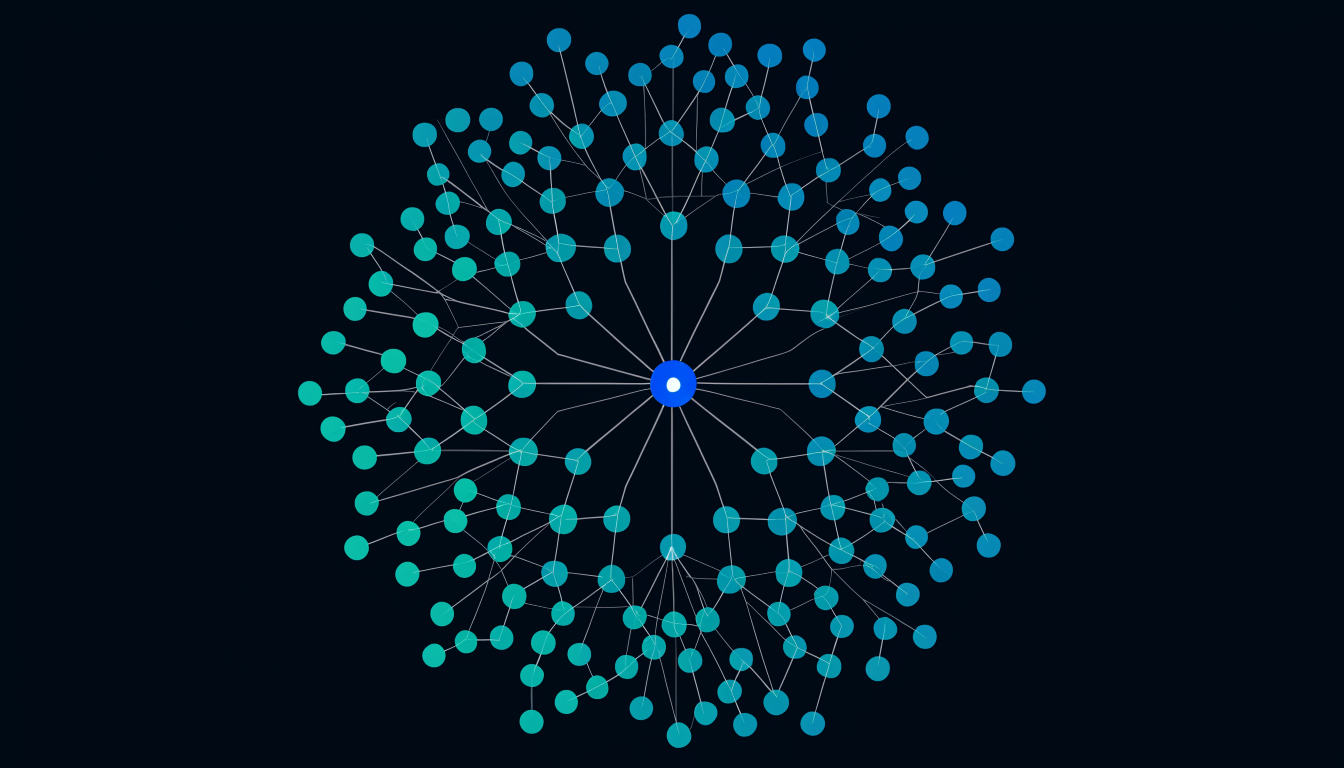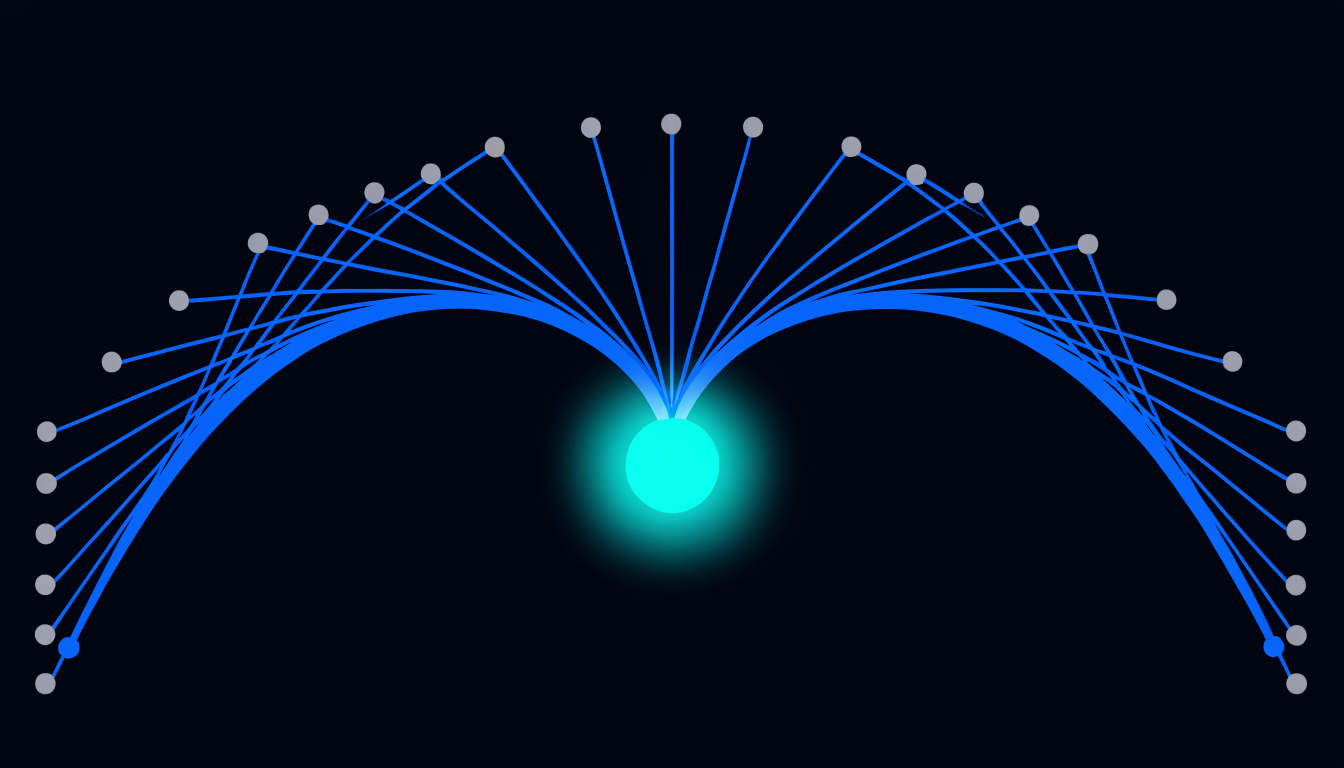
In architecture, a keystone is the central stone of an arch. Remove any other stone and the arch is weakened. Remove the keystone and the arch collapses. Every codebase has an equivalent: a small set of files whose modification is disproportionately risky compared to any other change.
Experienced engineers know instinctively which files these are. In a codebase they built, the knowledge is reliable. In a codebase they inherited, it is not. In a codebase an AI agent is building, nobody knows.
Spikescore finds the keystones.
What makes a file a keystone
A keystone is not simply the most-imported file. High in-degree is a necessary but not sufficient condition. The properties that distinguish a true keystone from a merely popular file:
Bridge centrality: the keystone sits between clusters. A high percentage of all graph paths pass through it. If it fails, communication between components fails.
Cross-community reach: the keystone’s blast radius crosses community boundaries. Modifying it requires coordination across team boundaries, not just within a team.
Depth of reach: the keystone’s callers include other high-degree nodes. Its blast radius is not just wide but deep, problems propagate recursively through the graph.
Spikescore combines these properties into a single graph-wide ranking. The top-10 spikescore nodes in any codebase are your keystones.
The keystone inventory
The first practical output of running Spiderbrain against a new codebase: the keystone inventory. The top-10 spikescore nodes, listed with their blast radius, community membership, and test coverage.
This inventory answers the question every engineering lead asks when they inherit a codebase: "which files, if they break, take down everything?" The answer should be known explicitly, not guessed.
For most teams, the inventory reveals surprises. The files with the highest spikescore are often not the ones in the architecture diagram. They are utility functions from early in the codebase’s history, configuration loaders, or shared data model files that evolved into cross-service contracts through organic growth.
What to do with the keystone inventory
Document: keystones deserve more documentation than they typically have. Their importance is not obvious from their size or location. A comment explaining why a file is a keystone, what depends on it, what contract it enforces, is worth the maintenance cost.
Test coverage: if any keystone has low test coverage, fixing that coverage is the highest-ROI test investment in the codebase. A keystone with no tests is a ticking failure waiting for a merge.
Change gating: consider adding a manual review gate for keystone modifications in your CI pipeline. A blast-radius check that flags PRs touching a keystone file for senior review adds friction in exactly the place where friction is valuable.
Refactor planning: some keystones are keystones because they should be extracted, they have accumulated dependencies they shouldn’t own. The inventory identifies these over-loaded nodes as the highest-priority refactor candidates.
Keystones in AI-agent workflows
When an AI agent is autonomously building or refactoring code, it has no concept of keystone risk. It sees the diff, runs the tests, and proceeds. A test suite that covers the changed file but not its callers will pass while latent structural risks accumulate.
Serving the keystone inventory to the AI agent before it begins work changes this. The agent knows: "these files are keystones, changes to them require explicit justification and expanded test coverage." The constraint is structural, not stylistic.
This is the productive use of a deterministic context layer in AI-agent workflows: not replacing the agent’s judgment, but grounding it in structural reality before it starts.
The eight-file rule
For most codebases in the 50k, 300k LOC range, the meaningful keystone set is 6, 12 files. Fewer than that and the codebase is either very small or very well-decomposed. More than that and some of those "keystones" are actually just popular utilities, not true bridge nodes.
The eight-file rule is a useful heuristic: if your keystone inventory has more than 12 entries, look harder at the 9th through 12th entries. They are probably high-degree nodes, not true keystones. The real bridging nodes, the ones where structural failure propagates, are almost always a small, specific set.